Customer support teams are under more pressure than ever.
As businesses grow, so does the volume of customer inquiries. Questions come in through email, live chat, social media, and messaging apps – all expecting quick, accurate responses. Managing these requests manually can quickly become overwhelming, leading to delayed responses, inconsistent service, and rising operational costs.
This is where automated ticketing systems make a significant difference.
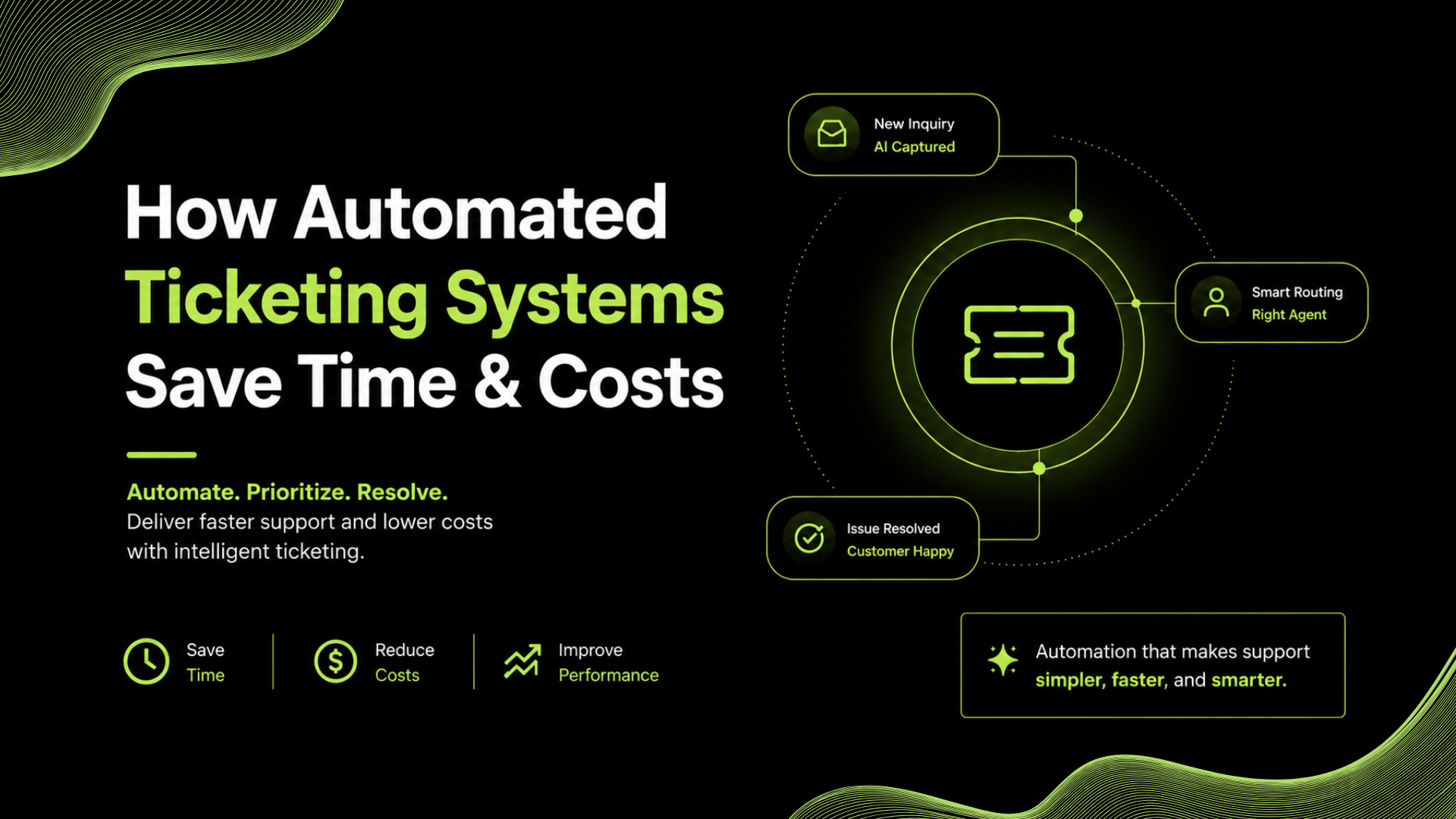
By automatically capturing, organizing, assigning, and tracking support requests, automated ticketing systems eliminate repetitive manual work and help teams operate more efficiently. Instead of spending time sorting tickets, support agents can focus on solving customer problems.
In this guide at Servia, we’ll explain what an automated ticketing system is, how it works, and how it helps businesses save both time and money.
What Is an Automated Ticketing System?
An automated ticketing system is customer support software that automatically converts customer inquiries into support tickets and manages them throughout their lifecycle.
Rather than relying on employees to manually organize requests, the system performs tasks such as:
- Creating tickets automatically
- Categorizing requests
- Assigning tickets to the right agents
- Setting priorities
- Tracking progress
- Sending updates to customers
Many modern ticketing platforms also incorporate AI to understand customer intent, automate workflows, and recommend responses.
The goal is simple: reduce manual effort while improving support quality.
Related: Top Customer Support Ticketing Systems for SaaS Companies (2026)
How Does an Automated Ticketing System Work?
The process begins the moment a customer contacts your business.
STEP 1
Ticket Creation
A customer submits a request through:
Email
Live chat
WhatsApp
Social media
Contact form
The system automatically creates a support ticket.
STEP 2
Ticket Classification
Instead of requiring someone to read every message manually, AI analyzes the request and identifies:
Customer intent
Issue category
Priority level
Department responsible
For example:
Billing issue
Technical support
Product inquiry
Refund request
STEP 3
Smart Ticket Routing
The system automatically routes tickets to the appropriate team or agent.
Technical issues go to technical support.
Billing questions go to finance.
Sales inquiries reach the sales team.
This reduces unnecessary transfers and speeds up resolution.
STEP 4
Automated Actions
The system can automatically:
Send confirmation emails
Update ticket status
Trigger follow-up reminders
Escalate overdue tickets
Notify team members
Customers stay informed without requiring manual updates.
STEP 5
Resolution and Reporting
Once the issue is resolved, the ticket is closed automatically while the system records valuable performance metrics such as:
Response times
Resolution times
Customer satisfaction
Agent workload
These insights help businesses continuously improve their support operations.
How Automated Ticketing Systems Save Time
Eliminate Manual Ticket Sorting
Without automation, support teams spend valuable time reading and organizing every incoming request.
Automated ticketing removes this repetitive work by categorizing and assigning tickets instantly.
Faster Response Times
Customers don’t want to wait hours for someone to acknowledge their request.
Automated systems send instant confirmations and immediately route tickets to the appropriate team, reducing delays.
Less Time Switching Between Tools
Modern ticketing systems integrate multiple communication channels into one platform.
Instead of checking separate inboxes, agents manage everything from one dashboard.
This improves efficiency and reduces context switching.
Faster Agent Onboarding
New support agents don’t need to learn complicated manual workflows.
Automation handles repetitive administrative tasks, allowing new employees to become productive much sooner.
Related: Top 6 AI Helpdesk Software Compared: Features, Pricing & Use Cases (2026)
How Automated Ticketing Systems Reduce Costs
1
Lower Administrative Work
Many support tasks don’t require human decision-making.
Automation handles repetitive activities like:
Ticket assignment
Status updates
Notifications
Follow-ups
This reduces operational overhead.
2
Improve Agent Productivity
When agents spend less time organizing tickets, they spend more time helping customers.
The same support team can manage higher ticket volumes without sacrificing service quality.
As businesses grow, many assume they need more support staff.
In reality, inefficient workflows are often the bigger problem.
Automated ticketing enables businesses to scale customer support before expanding headcount.
Manual ticket handling can result in:
Missed messages
Duplicate responses
Incorrect assignments
Delayed escalations
Automation ensures consistent processes, reducing costly mistakes.
Key Features to Look For
When choosing an automated ticketing solution, prioritize features that simplify daily operations.
Look for:
- AI-powered ticket routing
- Omnichannel support
- Automated workflows
- SLA tracking
- Internal collaboration tools
- Customer conversation history
- Reporting and analytics
- Knowledge base integration
These capabilities provide the greatest long-term value.
Best Practices for Successful Automation
Automation works best when implemented thoughtfully.
Start Small
Begin by automating repetitive tasks such as ticket routing, acknowledgments, and FAQs before expanding workflows.
Keep Human Support Available
Customers should always have the option to speak with a support agent when necessary.
Automation should enhance – not replace – human service.
Review Workflow Performance
Regularly monitor response times, ticket resolution rates, and customer satisfaction to identify areas for improvement.
Maintain Accurate Knowledge
If your AI references outdated documentation, customers may receive incorrect information.
Keep your help center and internal resources updated.
Related: Best AI Customer Support Software for Small Businesses (2026)
AI-Powered Customer Support
How Servia Simplifies Automated Ticket Management
Servia helps businesses automate customer support without creating unnecessary complexity.
Its AI-powered ticketing capabilities help teams:
✓ Automatically create and categorize tickets
✓ Route requests intelligently
✓ Prioritize urgent conversations
✓ Automate repetitive workflows
✓ Improve collaboration across teams
✓ Deliver faster and more consistent customer support
By reducing manual work, Servia enables support teams to focus on delivering exceptional customer experiences while keeping operational costs under control.
Conclusion
Customer support shouldn’t become more expensive simply because your business is growing.
Automated ticketing systems help businesses manage increasing support volumes without increasing administrative workload.
By automating ticket creation, routing, prioritization, follow-ups, and reporting, businesses can save valuable time, reduce costs, and improve customer satisfaction.
Rather than replacing support teams, automation gives them the tools they need to work smarter, respond faster, and scale with confidence.
Frequently Asked Questions
1
What is an automated ticketing system?
An automated ticketing system automatically creates, organizes, assigns, and tracks customer support requests, reducing the need for manual intervention.
2
How do automated ticketing systems save time?
They automate repetitive tasks like ticket creation, routing, prioritization, and follow-ups, allowing support teams to focus on resolving customer issues.
3
Can automated ticketing systems reduce business costs?
Yes. By improving efficiency, reducing manual work, and helping teams handle more tickets without additional staff, automated ticketing systems lower operational costs.
4
Are automated ticketing systems suitable for small businesses?
Absolutely. Small businesses benefit from faster response times, better organization, and the ability to scale customer support without hiring large teams.
5
Do automated ticketing systems use AI?
Many modern platforms use AI to understand customer intent, categorize tickets, prioritize urgent requests, suggest responses, and automate support workflows.