You’re growing, and that’s a good thing. Sales are climbing, new customers are signing up, and your brand is finally getting noticed. But behind the scenes, your support inbox is turning into a chaotic waiting room.
Every new customer brings new questions. Suddenly, your small team is buried under a mountain of repetitive emails:
Where is my order?
How do I reset my password?
Do you ship to my area?
You want to provide fast, helpful service. But hiring a small army of full-time support agents simply isn’t in the budget right now.
This is exactly where small and mid-sized businesses get stuck. You need to scale your support, but you need to do it affordably.
Automated tools powered by Artificial Intelligence (AI) can bridge this gap. But if you aren’t a tech giant with a massive IT budget, how do you find tools that actually work for your business and your wallet?
Let’s look at how affordable AI customer support software works, what to look for, and how to choose the right system without draining your bank account at Servia.
What Does “AI Support” Actually Mean for a Growing Business?
When most people hear “AI” they think of futuristic robots or overly complex coding. In customer service, it is much simpler. Think of AI as a digital assistant that handles the repetitive, predictable tasks so your human team can focus on the complex, high-value conversations.
Instead of replacing your team, affordable AI tools act as a force multiplier. They ensure your customers get instant answers at 2 AM, while your human agents get their mornings back.
The Tools You Actually Need
You don’t need an all-in-one enterprise suite to see results. Most growing businesses start with one or two core features:
Smart Chatbots
These sit on your website or app. Unlike old-school bots that only followed rigid scripts, modern AI bots use Natural Language Processing (NLP) to understand what a customer means, even if they misspell words.
Auto-Responders for Email
These scan incoming emails, detect the customer’s problem, and draft a response based on your existing help articles. Your agent just clicks “send.”
Intelligent Ticketing
The software reads a ticket and automatically tags it (e.g., “Billing Issue” or “Urgent“) and routes it to the right person.
Related: How to Choose the Right AI Support Platform for Your Business in 2026
How Affordable AI Saves Money (and Sanity)
It’s easy to say “AI improves efficiency” but let’s look at the actual mechanics of how these tools save you money and protect your bottom line.
Deflecting the “Easy” Tickets
Imagine your business gets 100 support tickets a day. If 40 of those are simple questions about shipping tracking or return policies, a basic AI chatbot can resolve them completely.
➔ 60 Complex Tickets ➔ Human Team (Low Cost)
By preventing those 40 tickets from ever reaching your team’s inbox, you’ve cut your workload by 40%. Your current staff can handle the remaining 60 tickets easily, delaying the need to make an expensive new hire.
Eliminating the “Drafting” Phase
Writing emails takes time. An agent has to look up the customer’s account, find the right policy, and type out a polite response.
AI customer support tools can instantly draft a response based on internal documents. The agent spends three seconds reviewing it for accuracy instead of three minutes writing it from scratch.
Preventing Customer Churn
Customers leave when they feel ignored. If a potential buyer has a question about a product size at 9 PM and doesn’t get an answer, they will likely buy from a competitor. AI provides that instant validation, keeping the customer engaged until a human can step in if needed.
Key Features to Look For on a Budget
When you are operating on a tight budget, you cannot afford to pay for features you won’t use. Avoid complex, enterprise-level platforms that require dedicated developers to set up. Instead, look for these foundational elements:
Easy Setup and “No-Code” Builders
If a software requires you to hire a programmer to build a chatbot, it isn’t truly affordable. Look for platforms that offer visual, drag-and-drop builders. You should be able to type in your business’s frequently asked questions and launch the tool in an afternoon.
Seamless Human Handoff
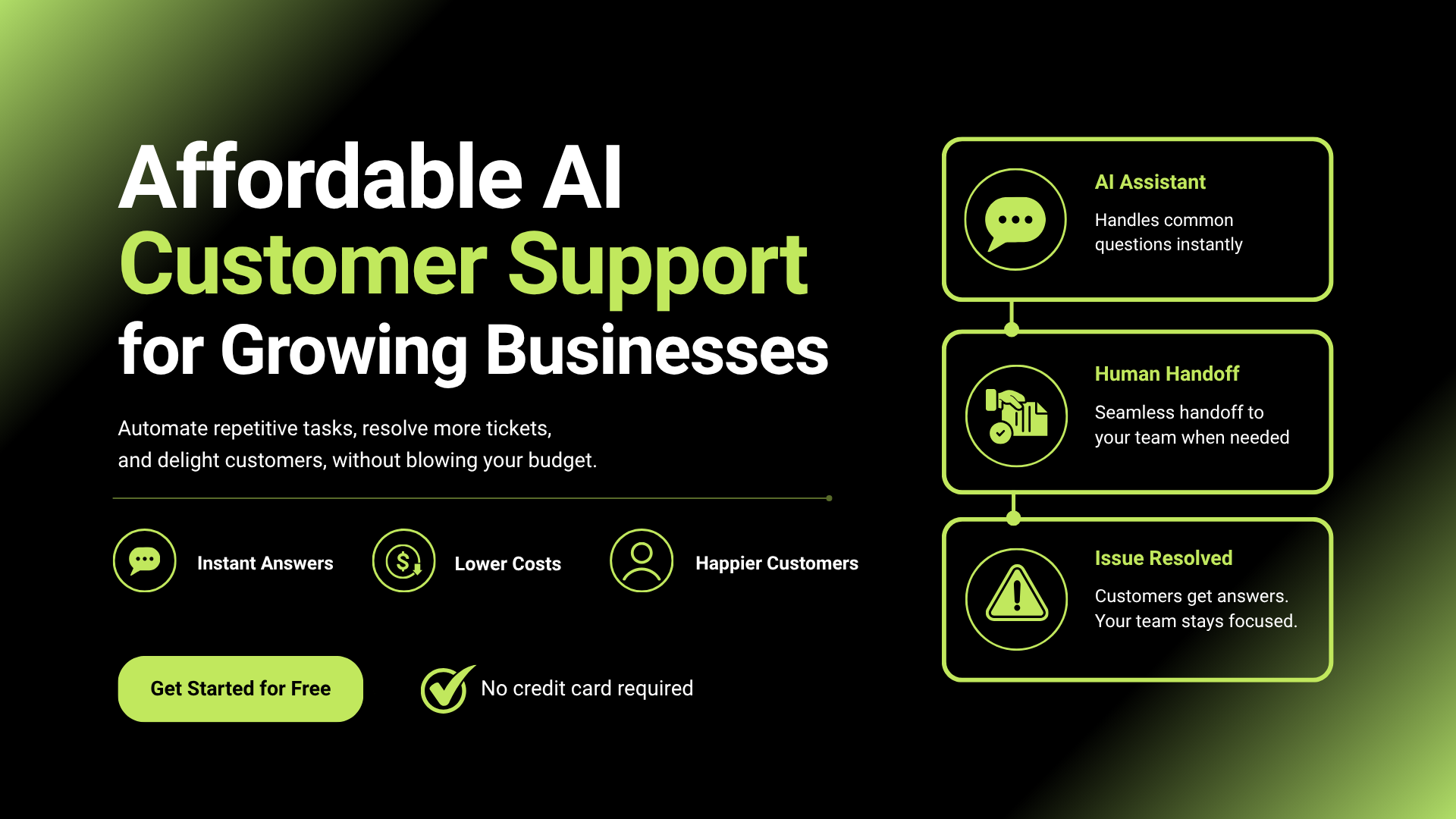
An AI tool should never trap a customer in a loop. If a customer gets frustrated or has a highly specific problem, the AI must be able to instantly pass the conversation to a live agent, along with a summary of what has already been discussed.
Deep Knowledge Base Integration
The best AI tools are only as smart as the information you give them. Look for software that connects directly to your existing Help Center or FAQ page. The AI reads those articles and uses them to answer customer questions accurately.
Shared Inbox Cleanliness
If you are managing support across email, Instagram, and live chat, look for an AI tool that pulls all of these channels into a single dashboard. This prevents your team from flipping between tabs and missing messages.
The Challenges: Where Cheap AI Can Go Wrong
While affordable AI tools offer massive benefits, cutting corners or setting them up incorrectly can create new problems. Being aware of these pitfalls helps you avoid them.
The “Robot” Tone
Customers feel brushed off by cold, overly formal, or robotic language.
Customize the bot’s tone of voice in the settings to match your brand’s friendly style.
Hallucinations
The AI guesses an answer or makes up a policy when it doesn’t know the truth.
Strictly limit the AI to source answers only from your approved knowledge base articles.
Dead Ends
The bot can’t solve the issue but offers no option to speak to a human.
Always include a clear “Talk to a Person” button at every stage of the conversation.
Real-World Scenarios: AI in Action
To understand how this looks in practice, let’s look at two common business types.
Scenario A: The E-Commerce Boutique
An online clothing store experiences a massive spike in traffic during a holiday sale. Their two-person team is overwhelmed by “Where is my package?” queries.
By implementing a budget-friendly AI widget linked to their shipping provider, the bot automatically fetches tracking numbers for customers who input their order numbers. The business owners spend their time packing orders instead of typing tracking links into emails.
Scenario B: The Local Service Provider
A local plumbing and heating company receives emergency calls and booking inquiries at all hours. They cannot afford a 24/7 answering service.
They add an affordable AI assistant to their website. When a customer visits at midnight to report a leaky pipe, the AI gathers their contact information, details about the leak, and books an open slot on the company’s digital calendar for the next morning.
Related: The 5 Best AI Chatbots for Customer Service in 2026
How to Choose and Implement Your Tool
Ready to get started? Follow this straightforward process to pick a tool without wasting money:
Audit
Audit your last 100 tickets: Identify the top 3 questions customers ask. If they are simple, repetitive queries, you are ready for AI.
Pricing Review
Look for flat-rate or per-agent pricing: Avoid software that charges hidden fees per conversation, as your bills will spike unexpectedly as you grow. Look for predictable monthly pricing.
Trial Period
Start with a trial: Most affordable platforms offer a 14-day free trial. Test the setup process yourself. If it feels too complicated within the first hour, move o
n to another option.
Launch Strategy
Launch quietly: Don’t turn the AI on for 100% of your traffic on day one. Test it on 10% of your visitors, watch how it performs, correct any mistakes, and then roll it out to everyone.
Final Verdict
Affordable AI customer support isn’t about chasing a tech trend; it’s about protecting your team’s time and your business’s budget. By automating your most repetitive inquiries, you give your business the space to grow sustainably, ensuring your customers get fast answers without forcing you to overhire. Start small, focus on your most common questions, and let the software handle the heavy lifting.
Frequently Asked Questions
Will AI make my customer support feel cold and impersonal?
Not if used correctly. AI handles routine questions, allowing your team to focus on complex conversations that require a human touch.
How much does AI customer support software typically cost?
Most small businesses can get started with reliable AI support tools for around $20–$75 per user per month, depending on features and usage.
Do I need technical skills to set up AI customer support?
No. Most modern platforms offer no-code setup, making them easy to configure without a developer.
What if the AI gives incorrect information?
Most platforms include safeguards that allow the AI to escalate uncertain questions to a human agent instead of guessing.
Is AI customer support suitable for small businesses?
Yes. AI can help small teams handle more customer inquiries, improve response times, and reduce repetitive work without hiring additional staff.