If you’re a small business owner, choosing between Close and Zendesk can feel confusing. One promises better sales. The other promises better support.
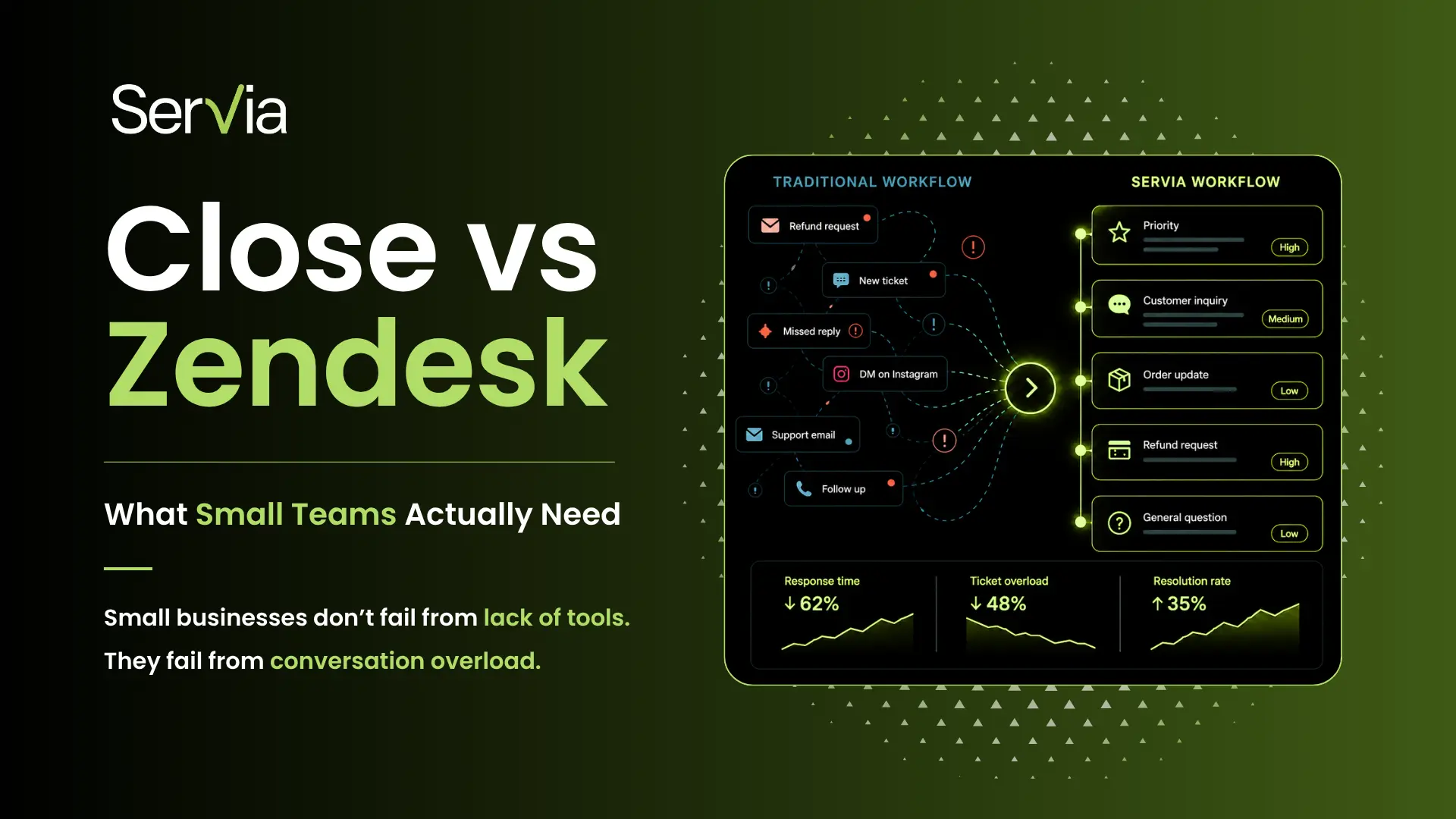
But here’s what most comparisons miss:
That’s where tools like Servia quietly enter the picture. Let’s break this down properly so you can make a smart decision.
The Core Difference
Close → Built for Sales
Close helps you:
- Manage leads
- Track deals
- Follow up with prospects
It’s about closing revenue.
Zendesk → Built for Support
Zendesk helps you:
- Manage customer queries
- Organize tickets
- Resolve issues
It’s about handling customer problems.
Servia → Built for Conversation Clarity
Servia focuses on:
- Managing all conversations in one place
- Prioritizing what matters
- Helping teams respond faster with AI
It’s about making communication manageable and actionable.
Quick Comparison (Real-World View)
Sales teams
Leads & deals
Outreach & conversions
Support teams
Tickets & queries
Structure & automation
Small teams
Conversations
Clarity & prioritization
When Close Is the Right Choice
Choose Close if your biggest challenge is getting customers.
You should go with Close if:
- You’re running ads and generating leads
- You need follow-ups and pipeline tracking
- Your team does a lot of calling or outreach
Example:
You’re a startup trying to grow revenue fast → Close helps you convert leads into paying customers.
Related: Zendesk Alternative for Small Businesses: Top Support Software 2026
When Zendesk Is the Right Choice
Choose Zendesk if your biggest challenge is handling customer queries.
You should go with Zendesk if:
- You receive a high volume of support tickets
- You need structured workflows
- You want multi-channel support (email, chat, social)
Example:
You run an e-commerce store with daily complaints, returns, and questions → Zendesk keeps everything organized.
Where Servia Comes In (And Why It Matters)
It Reduces Chaos, Not Just Adds Features
Instead of:
- Managing pipelines (Close)
- Managing tickets (Zendesk)
Servia helps you:
- See all conversations in one place
- Understand what needs attention first
- Act quickly without overthinking
It Prioritizes Automatically
Small teams don’t have time to:
- Sort messages
- Tag tickets
- Manually assign tasks
Servia’s AI:
- Highlights urgent conversations
- Suggests next actions
- Filters out noise
It Works Well in Early Stages
For many small businesses:
- Zendesk can feel too heavy
- Close can feel too sales-focused
Servia sits in between:
- Simple enough to start quickly
- Smart enough to handle growth
Real-Life Scenario (This Makes It Clear)
Can You Use Them Together?
Yes – and many businesses eventually do.
A practical setup:
- Use Close → for sales pipeline
- Use Zendesk → for structured support
- Use Servia → for overall conversation clarity and prioritization
But if you’re a small team, you don’t need all three immediately.
The Smart Way to Decide
Instead of comparing features, ask yourself:
What’s your biggest pain point right now?
- Getting customers → Close
- Handling support → Zendesk
- Managing conversations → Servia
Related: AI vs Human Support: What Actually Works in SaaS?
How big is your team?
- Solo or small → Servia or Close
- Growing support team → Zendesk
Do you feel overwhelmed daily?
If yes, that’s not a sales or support problem – it’s a workflow problem.
That’s where Servia adds real value.
Common Mistakes to Avoid
Many small businesses:
- Jump straight to Zendesk because it’s popular
- Or pick Close, thinking it will “fix everything.”
Then they realize:
- Their workflow is still messy
- Messages still get missed
Tools don’t fix problems unless they match your actual needs.
Final Takeaway
This isn’t really a “Close vs Zendesk” battle.
It’s about understanding what problem you’re trying to solve.
- Want to close more deals? → Close wins
- Want to handle customer issues better? → Zendesk wins
- Want to stay organized and in control of conversations? → Servia fits in
The smartest small businesses don’t just pick popular tools – they pick the ones that reduce friction in their daily workflow.
Start there, and your decision becomes much easier.
Frequently Asked Questions
Is Servia a replacement for Close or Zendesk?
Not exactly. It solves a different problem – conversation management and prioritization.
Can I use Servia instead of Zendesk?
For small teams with lower complexity, yes. For large support operations, Zendesk may still be needed.
Is Close useful for customer support?
No. It’s designed for sales, not handling support queries.
Which tool is easiest for beginners?
Servia and Close are generally easier. Zendesk has a steeper learning curve.
What should a startup choose first?
Start with your biggest problem:
- Sales → Close
- Support → Zendesk
- Overwhelm → Servia