
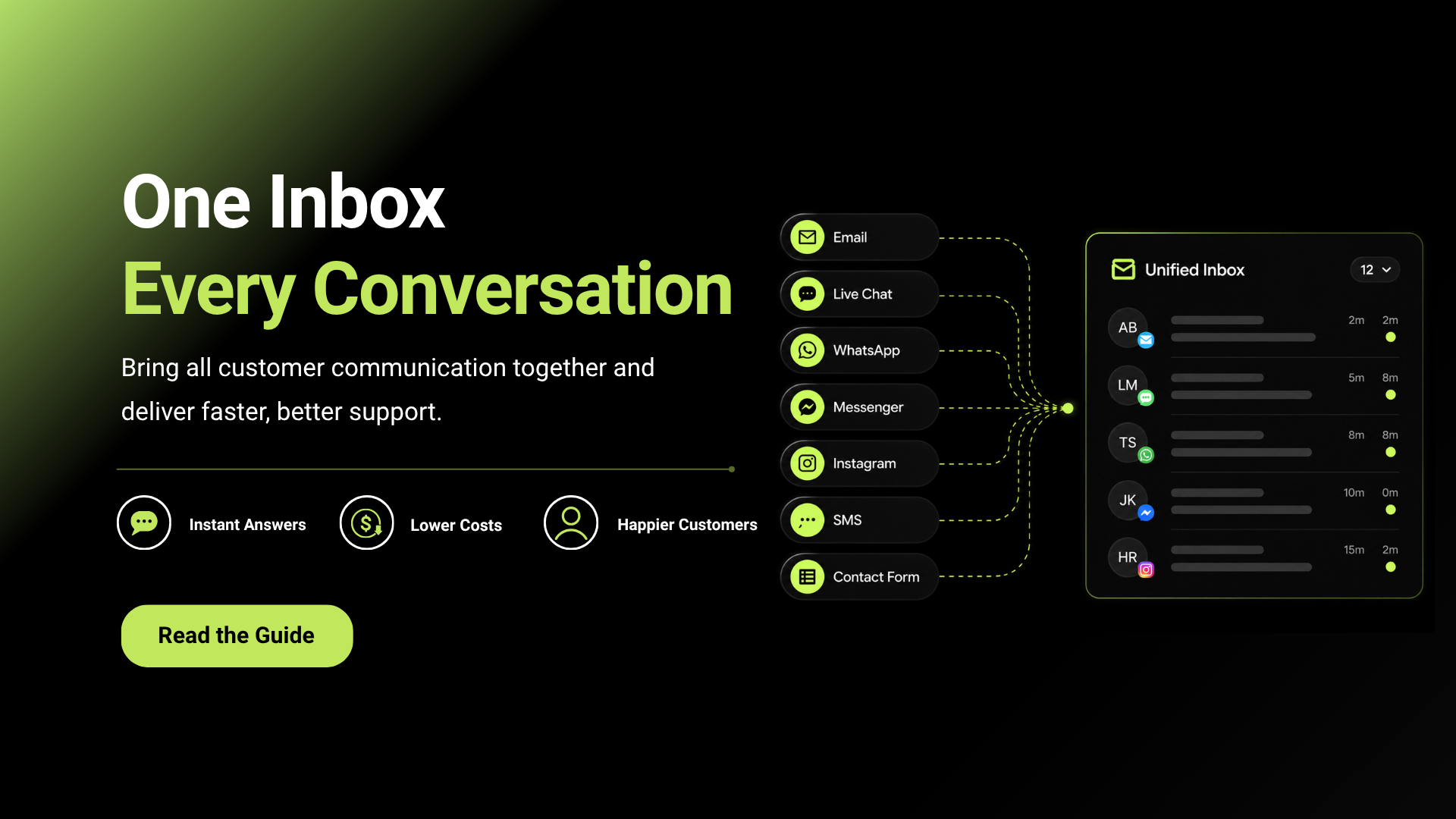
Customer communication has never been more complex.
Today’s customers expect businesses to be available across multiple channels, including email, live chat, social media, WhatsApp, and SMS. They also expect seamless interactions regardless of where the conversation begins.
For businesses, meeting these expectations can be challenging. When customer messages are spread across different platforms, customer support teams often struggle to keep track of conversations, maintain context, and respond efficiently.
This is where a unified inbox becomes essential.
A unified inbox brings all customer communications into a single workspace, helping teams stay organized, collaborate more effectively, and deliver a consistent customer experience. In this guide, we’ll explore what a unified inbox is, how it works, and why it can significantly improve customer communication.
Why Traditional Communication Systems Create Challenges
Many businesses start by managing customer communication through separate platforms.
Initially, this may work well. However, as customer inquiries increase, communication becomes more difficult to manage.
Disconnected Conversations
A customer might start a conversation through live chat and later send an email regarding the same issue.
If these channels aren’t connected, support agents may have no visibility into previous interactions.
As a result, customers often need to repeat information multiple times.
Slower Response Times
When agents must switch between different systems to find information, response times increase.
Searching through emails, chat transcripts, and social media messages can waste valuable time that could be spent solving customer issues.
Missed Messages
Managing multiple communication platforms increases the risk of overlooking important customer inquiries.
A delayed response can negatively impact customer satisfaction and trust.
Limited Team Collaboration
When customer information is scattered across different tools, collaboration becomes more difficult.
Teams may struggle to share context, assign tasks, or coordinate responses effectively.
Related: How to Choose the Right AI Support Platform for Your Business in 2026
Key Benefits of a Unified Inbox
Improved Customer Experience
One of the biggest advantages of a unified inbox is a better customer experience.
Customers no longer need to repeat their issue when switching between channels.
Support teams can immediately access previous conversations and continue helping without interruption.
This creates a smoother and more personalized experience.
Faster Response and Resolution Times
A centralized communication system helps teams work more efficiently.
Instead of jumping between multiple platforms, agents can manage all conversations from a single interface.
This often leads to:
- Faster first responses
- Quicker issue resolution
- Reduced customer wait times
Better Team Collaboration
Customer support often involves multiple departments.
For example, a billing issue may require input from both the support and finance teams.
A unified inbox allows teams to:
- Share internal notes
- Assign conversations
- Escalate tickets
- Collaborate without losing context
This improves communication across the organization.
Increased Productivity
Support agents spend less time on administrative tasks when all communication is centralized.
This allows teams to handle higher conversation volumes without significantly increasing workload.
The result is greater operational efficiency and improved productivity.
Consistent Customer Communication
When multiple agents communicate with customers, consistency becomes important.
A unified inbox ensures everyone has access to the same information, reducing the risk of conflicting responses.
Customers receive a more professional and reliable experience.
Related: Why Startups Are Switching to Servia for AI Customer Support?
Signs Your Business Needs a Unified Inbox
Your business may benefit from a unified inbox if:
- Customers contact you through multiple channels
- Conversations are difficult to track
- Response times are increasing
- Agents frequently switch between platforms
- Customers repeat information often
- Support teams struggle to collaborate
If any of these challenges sound familiar, centralizing communication can significantly improve operations.
Conclusion
As customer communication channels continue to grow, managing conversations across multiple platforms becomes increasingly difficult.
A unified inbox solves this problem by centralizing customer interactions into one organized workspace.
By improving visibility, reducing response times, enhancing collaboration, and providing a more consistent customer experience, a unified inbox helps businesses communicate more effectively at scale.
For organizations looking to improve customer support and streamline operations, implementing a unified inbox is one of the most practical and impactful steps they can take.