
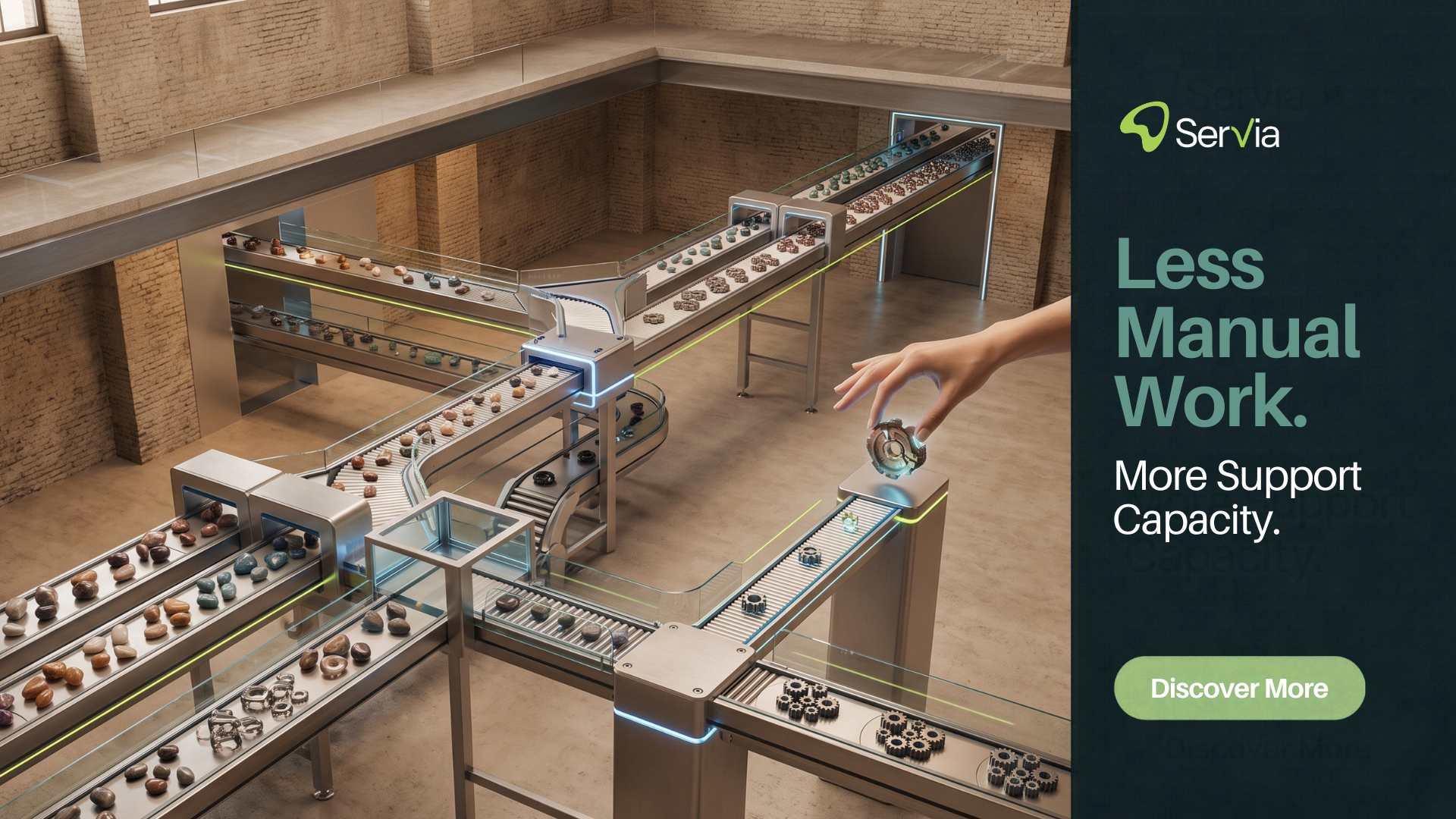
Customer support automation has changed the way businesses handle customer questions, requests, and support tickets. Instead of relying entirely on support agents to manually read, categorize, respond to, and close every ticket, businesses can use automation to handle repetitive tasks and streamline workflows.
The goal isn’t to replace human support. It’s to give support teams better tools to spend less time on repetitive work and more time solving issues that require human judgment.
From automated ticket routing and canned responses to AI-assisted replies and workflow automation, customer support automation can help businesses build a faster, more consistent support operation. Businesses looking to bring multiple support channels together can also explore centralized customer communication and learn how a unified support environment can simplify growing customer conversations.
What Is Customer Support Automation?
Customer support automation is the use of software, rules, workflows, and AI-powered tools to handle repetitive tasks in the customer service process.
For example, when a customer submits a request about an order, an automated workflow might identify the type of request, assign it to the appropriate team, retrieve relevant information, and send an appropriate response.
Automation can be used across different stages of the support journey, including:
- Ticket creation
- Ticket categorization
- Assignment and routing
- Prioritization
- Automated responses
- Customer notifications
- Follow-ups
- Escalations
- Knowledge-base suggestions
- Reporting and analytics
The amount of automation a company needs depends on its ticket volume, support channels, team structure, and the complexity of its customer requests. For businesses evaluating their wider support infrastructure, understanding how a customer support ticketing system works can also help identify where automation fits into the overall workflow.
How Does Customer Support Automation Work?
A typical automated support workflow combines triggers, rules, customer information, and predefined actions.
Here’s a simple example:
1. A customer contacts support
A customer submits a question through email, chat, or another supported channel.
2. The request enters the support system
The platform creates or updates the relevant conversation or ticket.
3. The request is categorized
Automation can identify characteristics such as topic, priority, customer type, or request category.
4. The ticket is routed
Rules can send the request to the appropriate team or agent.
5. An automated action takes place
Depending on the request, the system may send a response, apply a tag, update the ticket, or trigger another workflow.
6. A human takes over when necessary
If the issue is complex, sensitive, or outside the scope of automation, it can be escalated to a support agent.
This combination of automation and human support is particularly useful for businesses that receive large volumes of repetitive requests. Teams managing several communication channels may also benefit from an omnichannel customer support approach that keeps conversations organised across different touchpoints.
What Can You Automate in Customer Support?
Not every support interaction should be automated. However, many repetitive operational tasks can be.
1. Ticket Routing
Instead of manually assigning every ticket, automated rules can route conversations based on factors such as department, topic, language, priority, or other criteria.
For example, billing questions can be directed to the billing team, while technical issues can be sent to technical support.
2. Ticket Categorization
Automation can help classify incoming conversations.
Common categories might include:
- Billing
- Account access
- Product questions
- Order status
- Returns
- Technical issues
- General inquiries
Consistent categorization also makes reporting easier.
3. Frequently Asked Questions
Businesses often receive the same questions repeatedly.
Examples include:
- How do I reset my password?
- Where is my order?
- What is your return policy?
- How can I update my account?
- What payment methods do you accept?
These questions can often be addressed through help-center content, automated replies, or AI-assisted responses. For a deeper look at conversational automation, see how AI chatbots work in customer service.
4. Automated Follow-Ups
Support platforms can trigger follow-ups when customers haven’t responded or when an issue requires additional information.
This reduces the need for agents to manually track every pending conversation.
5. Ticket Prioritization
Automation can help identify tickets that require faster attention.
For example, a workflow might prioritize a service outage or an urgent account issue over a general product question.
6. Customer Notifications
Automated notifications can keep customers informed about changes to their support requests.
This could include ticket acknowledgments, status updates, or notifications when an agent responds.
7. Internal Workflows
Automation isn’t limited to customer-facing communication.
Support teams can automate internal actions such as tagging conversations, updating fields, notifying team members, or escalating tickets.
What Is AI-Powered Customer Support Automation?
Traditional automation generally follows predefined rules.
*If* a ticket contains a particular condition,
*then* perform a specific action.
AI-powered automation adds another layer. AI can help interpret customer messages, identify intent, generate response suggestions, summarize conversations, and work with information from a company’s knowledge base.
This is particularly useful when customers don’t use predefined keywords or follow predictable formats.
For example, these messages may describe the same underlying issue:
An AI-powered support system may recognize that these conversations are related to account access even though the wording is different.
However, AI should not be treated as automatically correct. Businesses should define appropriate boundaries, provide reliable knowledge sources, and maintain human escalation paths for situations where automation isn’t appropriate. Businesses exploring the wider role of AI can also learn more about AI in customer support and related customer service applications.
Customer Support Automation vs. AI Agents
These terms are sometimes used interchangeably, but they aren’t the same.
Customer support automation is the broader concept. It includes rules, workflows, triggers, routing, notifications, templates, and AI-based capabilities.
AI agents are a specific type of automation designed to understand customer requests and potentially take actions or provide responses with less direct agent involvement.
A support platform may use both.
Automation:
“If a customer selects ‘Billing,’ route the ticket to the billing team.”
AI-assisted support:
“Understand the customer’s question and suggest a response based on relevant support documentation.”
The right approach depends on the complexity of your support operation.
Benefits of Customer Support Automation
Faster Responses
Automation can handle certain tasks immediately instead of waiting for an agent to manually process them.
This is particularly useful for simple, repetitive requests.
Less Repetitive Work
Agents don’t need to spend as much time performing repetitive administrative tasks such as sorting tickets, applying tags, or sending standard responses.
More Consistent Support
Standard workflows can help teams apply the same processes across similar requests.
Better Ticket Organization
Automated categorization, routing, and prioritization can make it easier for teams to manage growing ticket volumes.
More Time for Complex Issues
When routine work is automated, agents can dedicate more time to conversations requiring investigation, empathy, judgment, or problem-solving.
Better Visibility
Automated workflows can also generate structured data that managers can use to understand ticket volume, response times, resolution trends, and team performance.
What Should You Not Automate?
More automation isn’t always better.
Some customer interactions benefit significantly from human involvement.
Consider keeping a human in the loop for:
- Complaints involving sensitive situations
- Complex technical problems
- Exceptions to company policies
- High-value or strategic customers
- Refund or compensation decisions
- Situations requiring judgment or empathy
- Requests involving unclear or incomplete information
The objective should be appropriate automation, not maximum automation.
A good support operation automates what is predictable while giving agents the tools and authority to handle what isn’t.
How to Implement Customer Support Automation
If you’re introducing automation for the first time, start with your existing support workflow rather than choosing automation features first.
Step 1: Analyze Your Support Volume
Look at the questions your team receives most frequently.
Identify which requests are repetitive and which require specialist knowledge.
Step 2: Identify Automation Opportunities
Look for tasks that follow predictable processes.
These are usually the easiest places to start.
Step 3: Organize Your Knowledge Base
Automation and AI work best when they have access to clear, accurate information.
Review your:
- FAQs
- Help articles
- Product documentation
- Policies
- Troubleshooting guides
Remove outdated information and keep important content easy to understand.
Step 4: Create Clear Workflows
Define what should happen when a particular type of request arrives.
Step 5: Establish Escalation Rules
Decide when automation should stop and a human should take over.
This is essential for maintaining service quality.
Step 6: Monitor Performance
After implementation, track relevant support metrics.
These might include:
- First response time
- Resolution time
- Ticket volume
- Customer satisfaction
- Escalation rates
- Backlog
- Agent workload
Use the results to refine your workflows.
How Servia Helps Automate Customer Support
Servia brings customer conversations, automation, AI-assisted support, routing, analytics, and team collaboration into a unified support environment.
Instead of requiring agents to manually manage every step of a ticket, Servia can help automate repetitive workflows while keeping human agents involved when their expertise is needed.
With Servia, teams can use automation for tasks such as:
- Organizing incoming support requests
- Routing conversations
- Automating repetitive responses
- Supporting agents with AI-assisted replies
- Managing customer conversations across supported channels
- Tracking support performance
- Collaborating on complex tickets
The objective is simple: reduce unnecessary manual work while helping support teams deliver better customer experiences.
Ready to see how Servia can fit into your support workflow?
How to Choose a Customer Support Automation Platform
Before choosing a platform, consider more than its AI capabilities.
| Automation Flexibility | Can you create workflows that match the way your support team actually works? |
| Omnichannel Support | Does the platform allow your team to manage the channels your customers use? |
| AI Capabilities | Can AI assist with relevant tasks while allowing appropriate human oversight? |
| Reporting | Can managers measure the performance of automated and human workflows? |
| Integrations | Does the platform connect with the systems your team already relies on? |
| Scalability | Can the platform support your business as ticket volume and team size increase? |
| Ease of Use | A powerful platform isn’t useful if your team struggles to configure or use it. |
Businesses considering broader support infrastructure can also explore cloud helpdesk software as part of their evaluation.
Common Mistakes to Avoid
Automating Everything
Not every conversation should be handled automatically. Start with predictable, repetitive tasks.
Using Poor-Quality Knowledge
Automated responses are only as useful as the information behind them.
Ignoring Human Escalation
Customers should have a clear path to a human when automation cannot adequately solve their issue.
Measuring Only Speed
A faster response isn’t necessarily a better response. Track customer satisfaction and resolution quality alongside speed.
Launching Without Testing
Test workflows using realistic support scenarios before applying them broadly.
The Future of Customer Support Automation
Customer support automation is moving beyond simple canned responses and rule-based ticket management.
AI-assisted tools are increasingly being used to understand conversations, summarize information, recommend responses, and help support teams work more efficiently. Businesses interested in AI-driven decision-making can also explore AI decision engines in customer service.
At the same time, the fundamentals remain important: accurate information, clear workflows, good reporting, and effective human support.
The strongest support operations won’t necessarily be the ones that automate the most. They’ll be the ones that understand what should be automated, what shouldn’t, and where human expertise creates the most value.
Final Thoughts
Customer support automation can help businesses handle repetitive work, organize growing ticket volumes, respond more efficiently, and give agents more time to focus on complex customer needs.
The key is to approach automation strategically.
Start with repetitive processes. Build reliable workflows. Keep your knowledge base accurate. Monitor performance. And make sure customers can reach a human when they need one.
With the right approach, automation doesn’t make customer support less human. It gives your support team more time to be human where it matters most.
Ready to simplify your support workflow?
See how Servia can help your team automate repetitive support work while keeping agents in control.
Frequently Asked Questions
What is customer support automation?
Customer support automation uses software, workflows, rules, and AI-powered tools to handle repetitive support tasks. These can include ticket routing, categorization, automated replies, notifications, follow-ups, and other routine actions.
Will customer support automation replace support agents?
Not necessarily. The primary purpose of automation is to reduce repetitive work and allow agents to focus on more complex conversations. Modern platforms can also be configured to hand conversations over to human agents when automation is not appropriate.
What customer support tasks can be automated?
Common examples include ticket categorization, routing, tagging, frequently asked questions, customer notifications, follow-ups, prioritization, and repetitive responses. More advanced systems can also use AI to understand customer intent and assist with more complex workflows.
What is the difference between customer support automation and AI-powered support?
Customer support automation is the broader concept and can include traditional rules and workflows. AI-powered support adds capabilities such as understanding natural-language requests, generating responses, summarizing conversations, and assisting with decisions or actions.
How does AI improve customer support automation?
AI can help interpret customer messages beyond simple keywords or predefined rules. Depending on the platform, it can identify intent, use information from trusted knowledge sources, suggest or generate responses, and support automated resolution workflows.
Businesses looking to explore related customer support topics can also learn about how to automate customer support with AI, AI-powered customer service tools, and smart customer support systems.